

How to Track Mileage for IFTA: The Complete Step-by-Step Guide
Learn how to track mileage for IFTA compliance across state lines. Compare paper logs, ELD, and GPS apps, avoid 4.0 MPG audit penalties, and simplify reporting.
Whether you are an independent owner-operator or managing an expanding interstate fleet, mastering how to track mileage for ifta is one of the most vital regulatory duties in trucking. Under the International Fuel Tax Agreement, interstate commercial carriers must account for every mile traveled across each state and provincial boundary. Failing to understand how to track mileage for ifta can trigger severe tax reassessments, heavy interest, and punitive audit adjustments from your base jurisdiction.
This practical guide provides a complete, step-by-step roadmap on how to track mileage for ifta. We examine the statutory recording requirements, compare paper, ELD, and GPS options, and show you exactly how to track mileage for ifta to maintain an audit-proof paper trail.
Quick Answer: Core Methods to Track IFTA Miles
When truckers research how to track mileage for ifta, they generally choose between three primary recording mechanisms recognized across jurisdictions:
- Automated GPS Tracking Applications: Mobile apps use background geofencing to log exact border-crossing coordinates automatically, simplifying how to track mileage for ifta without manual entry.
- Electronic Logging Devices (ELD): Mandated telematics hardware records engine data and GPS points. When using an ELD for how to track mileage for ifta, carriers must ensure that non-driving movements (like Personal Conveyance) are captured in jurisdictional totals.
- Manual Paper Trip Sheets: Drivers record odometer readings at every state border crossing and preserve fuel receipts in physical envelopes—the traditional, low-cost approach to how to track mileage for ifta.
The table below contrasts each method to help you determine how to track mileage for ifta based on your fleet size, budget, and operational capacity.
| Tracking Method | Core Mechanism | Setup Cost & Ongoing Fee | Audit Risk Profile | Best Suited For |
|---|---|---|---|---|
| Manual Paper Trip Sheets | Driver writes odometer readings at every state line | Lowest ($0 setup; paper logbooks) | High (Border omission and calculation errors) | Single-truck operators with routine, low-complexity regional runs |
| Standard ELD Telematics | Engine diagnostics + periodic GPS positioning | Medium (Hardware acquisition cost + monthly telematics subscription) | Medium (Unassigned miles or PC gaps skewing odometer totals) | Carriers already utilizing mandated ELD units for interstate routes |
| Specialized GPS Tracking Apps | Smartphone background GPS + border geofencing | Low (0 free tiers up to 14/mo commercial tools) | Low (Automated timestamps and boundary route breadcrumbs) | Owner-operators seeking modern, automated mileage logs |
| Integrated Fleet Management Software | Hardwired telematics synced with fuel card APIs | Highest (Enterprise pricing per power unit) | Lowest (End-to-end digital audit trail from pump to quarterly filing) | Growing fleets needing multi-vehicle jurisdiction compliance |
Note: IFTADesk is our product; we've aimed to evaluate all tools objectively so motor carriers can select the best solution for their needs.
Why Accurate Tracking Matters: The 4.0 MPG Audit Trap
Before diving into the operational steps of how to track mileage for ifta, commercial operators must grasp the severe financial exposure caused by sloppy recordkeeping.
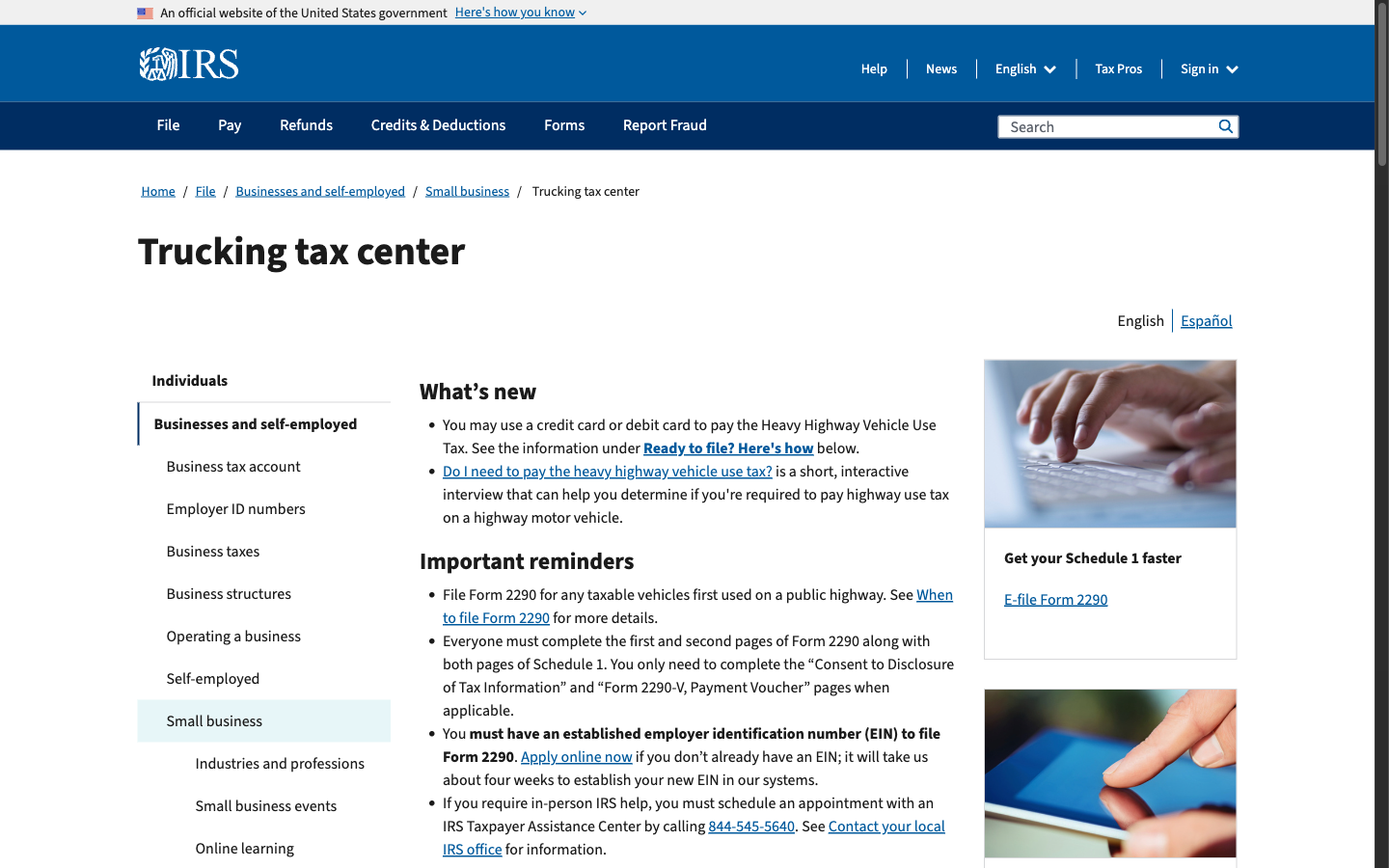
According to governing regulations outlined in the IRS Trucking Tax Center, a commercial motor vehicle is classified as a "Qualified Motor Vehicle" under IFTA if it has two axles and a gross vehicle weight exceeding 26,000 pounds, has three or more axles regardless of weight, or is used in combination exceeding 26,000 pounds.
The Inadequate Records Assessment (Section P570)
State auditors do not merely verify summary tax returns; they inspect the underlying daily trip logs. Under IFTA Audit Manual Section P570 (Inadequate Records Assessment), if an auditor finds that a carrier lacks verifiable records demonstrating how to track mileage for ifta, the base jurisdiction is authorized to enforce strict punitive measures:
- The 4.00 MPG Statutory Penalty: The auditor can arbitrarily reset your fleet fuel efficiency to 4.00 MPG, or reduce your reported fleet MPG by 20%.
- Disallowance of Fuel Tax Credits: All tax-paid fuel credits claimed on your return can be disallowed if unsupported by valid, detailed receipts.
- Statutory Interest and Fines: Under IFTA Articles of Agreement Section R1220, failure to maintain compliant filings results in a late penalty of $50 or 10% of the net tax liability (whichever is greater), plus compounding monthly interest.
Hypothetical Audit Scenario:
For example, assume a long-haul truck travels 30,000 miles in a quarter with an actual operational average of 6.50 MPG, consuming 4,615 gallons of diesel. If an auditor concludes that the operator failed to show how to track mileage for ifta with adequate records and resets efficiency to 4.00 MPG, calculated fuel consumption increases to 7,500 gallons. The carrier must immediately pay back taxes and interest on 2,885 uncredited gallons—turning an expected refund into an unexpected multi-thousand-dollar liability.
Understanding how to track mileage for ifta correctly protects your trucking business against devastating audit assessments.
4 Steps: How to Track Mileage for IFTA
Motor carriers can implement a dependable system by following these four actionable steps on how to track mileage for ifta throughout each quarterly reporting period.
Step 1: Set Up an Individual Vehicle Distance Record (IVDR)
The foundation of IFTA compliance is the Individual Vehicle Distance Record (IVDR). Every trip taken by a qualified vehicle must generate an individual record. To understand how to track mileage for ifta compliant with IFTA Procedures Manual standards, your IVDR must capture seven mandatory fields:
- Trip Dates: Both starting date and completion date.
- Origin and Destination: City and state for each trip segment.
- Route of Travel: Highway numbers traveled (e.g., US-54 North to I-70 East).
- Beginning and Ending Odometer Readings: Exact readings taken directly from the dashboard odometer or electronic control module (ECM).
- Mileage by Jurisdiction: Total miles traveled inside each distinct state or Canadian province.
- Total Trip Distance: The sum of all jurisdictional miles.
- Vehicle Identification: Fleet unit number and complete Vehicle Identification Number (VIN).
Whether managing physical logs or digital tools, learning how to track mileage for ifta begins with ensuring these seven elements are captured on every dispatch.
Step 2: Choose Your Daily Tracking Workflow
When deciding how to track mileage for ifta during daily operations, carriers typically adopt one of three practical workflows:
Workflow A: The Manual Odometer and Envelope Routine
The manual method remains common among traditional owner-operators researching how to track mileage for ifta:
- Keep an organized trip sheet on a cab clipboard.
- Record the starting odometer reading before beginning your shift.
- Whenever your truck crosses a state border, glance at your dashboard and immediately write down the exact odometer mileage, the crossing time, and the highway identifier.
- Whenever you stop to fuel up, record the odometer reading, state, and purchased gallons directly on the receipt before placing it into your quarterly trip envelope.
While cost-effective, manual tracking carries human error risks; missing a single state border entry can distort your entire quarterly calculation.
Workflow B: Telematics and ELD Integration
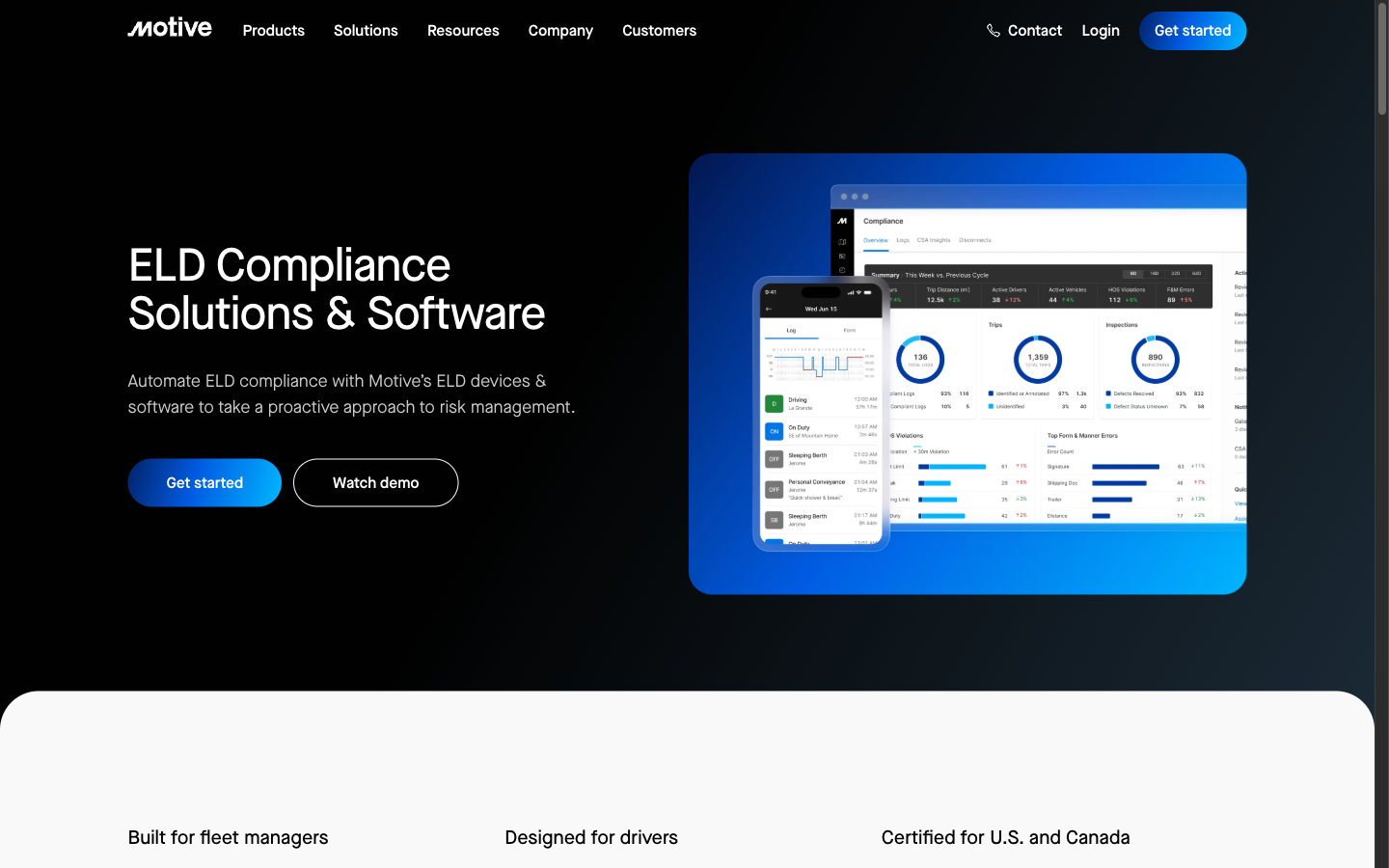
Under guidelines supported by the American Trucking Associations, most interstate fleets utilize electronic logging devices. If you choose an ELD for how to track mileage for ifta:
- Verify that your vendor provides an automated IFTA state mileage reporting module.
- Audit "Personal Conveyance" (PC) and "Yard Move" miles. IFTA requires reporting all miles traveled by a qualified vehicle. If your ELD excludes PC miles from its jurisdictional summary, your reported miles will not match your odometer, raising immediate red flags in an audit.
- Periodically download raw engine telematics to confirm that GPS dropouts in rural areas did not leave jurisdictional gaps.
Workflow C: Smartphone GPS Mileage Apps
For many modern drivers exploring how to track mileage for ifta, mobile GPS applications offer the optimal balance between cost and automation:
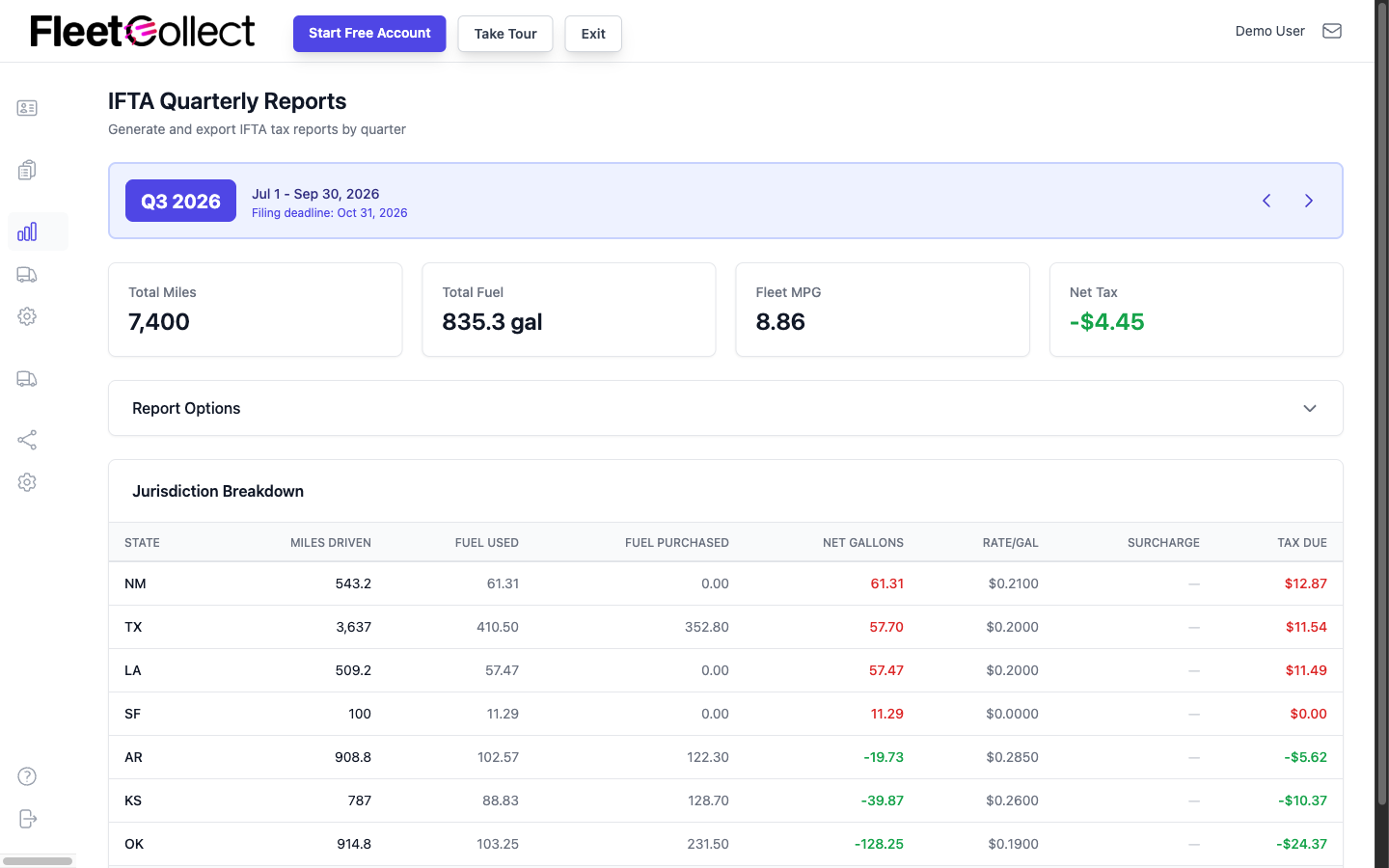
- Background GPS tracking automatically detects jurisdictional lines using geofencing.
- Published market solutions—such as FleetCollect ($14/month based on published pricing) or mobile tools like IFTA Track (rated 4.8 on the App Store across 190 ratings)—automatically generate timestamped logs of every state line crossed.
- Automated logging eliminates the safety hazard of writing odometer readings at highway speeds, establishing an effortless workflow for how to track mileage for ifta.
Step 3: Reconcile Miles and Calculate Quarterly Fuel Tax
After the quarter ends, knowing how to track mileage for ifta culminates in calculating your quarterly tax liability. Reviewing your state requirements through agencies like the Texas Comptroller of Public Accounts illustrates how state jurisdictions enforce fuel tax settlements.
Follow this standard calculation sequence:
- Determine Total Distance: Add all miles traveled across all jurisdictions during the quarter.
- Determine Total Gallons: Sum all tax-paid gallons purchased and placed into the vehicle fuel tanks.
- Calculate Fleet Average MPG:
\text{Fleet Average MPG} = \frac{\text{Total Distance Traveled Across All States}}{\text{Total Gallons Purchased}} - Calculate Taxable Gallons Per State:
\text{Taxable Gallons (State)} = \frac{\text{Miles Traveled in State}}{\text{Fleet Average MPG}} - Determine Net Tax Due or Credit: Multiply taxable gallons by the state tax rate, then subtract the fuel tax already paid at the pump in that state.
Practical Calculation Example:
For example, assume a truck operates 12,000 total miles in a quarter and purchases 1,800 gallons of diesel:
- Fleet Average MPG =
12,000 \text{ miles} \div 1,800 \text{ gallons} = 6.67 \text{ MPG}. - If the truck traveled 4,000 miles in Texas, taxable fuel is
4,000 \div 6.67 = 599.7 \text{ gallons}. - If the carrier purchased 700 gallons in Texas, they hold a 100.3-gallon tax credit. If they bought only 300 gallons in Texas, they owe fuel taxes on the remaining 299.7 gallons.
Carriers who understand how to track mileage for ifta perform this reconciliation monthly to avoid unexpected quarterly tax bills.
Step 4: Secure an Audit Trail and Retain Records for 4 Years
The final critical requirement of how to track mileage for ifta is long-term compliance storage. As documented in the historical overview of the International Fuel Tax Agreement on Wikipedia, uniform administrative standards require carriers to maintain all supporting records for four years from the date the return was filed.
Every archived fuel invoice must show:
- Date of purchase;
- Seller name and complete station address;
- Number of gallons or liters pumped;
- Fuel type (e.g., Diesel #2);
- Unit price or total dollar amount;
- Power unit number or vehicle registration;
- Purchaser name.
Maintaining organized physical files alongside secure cloud backups ensures that your system for how to track mileage for ifta withstands any regulatory challenge.
Operational Warnings and Best Practices
To avoid common mistakes when implementing how to track mileage for ifta, keep these practical tips in mind:
- Do Not Confuse HOS with IFTA: An ELD designed for Hours of Service compliance does not guarantee IFTA compliance. Always confirm that all vehicle miles—including bobtail and personal conveyance—are fully accounted for.
- Account for Non-IFTA Mileage: Driving in Alaska, Hawaii, the District of Columbia, Mexico, and northern Canadian territories (Yukon, Northwest Territories, Nunavut) represents non-IFTA travel. These miles count toward total odometer distance but must be segregated on your tax return.
- Watch for Odometer Divergence: As noted in traditional fleet guides like Rigbooks, GPS calculations measure point-to-point coordinates, whereas odometers measure tire revolutions. Tire wear can create a minor variance between GPS miles and odometer miles. Cross-check your GPS reports against dashboard odometer logs monthly to ensure calibration.
Streamline Your IFTA Mileage with IFTADesk
Learning how to track mileage for ifta does not require hours of tedious manual calculations.
Modern carriers leverage dedicated technology to eliminate calculation errors. You can use our free IFTA mileage tracker to record border crossings, aggregate jurisdictional mileage, and instantly compute quarterly net tax balances. In addition, tracking your broader operational expenses with our trucking cost per mile calculator gives you complete visibility into your true per-mile profitability across state lines.
Automating how to track mileage for ifta protects your time, reduces stress, and safeguards your operating authority.

Frequently Asked Questions (FAQ)
Are paper mileage logs still legal for IFTA reporting?
Yes. IFTA rules permit manual paper trip logs, provided they contain all required IVDR fields, including odometer readings at state lines, dates, route numbers, and fleet unit identifiers. However, manual logs face higher audit scrutiny due to calculation errors and illegible handwriting.
Does an ELD automatically track all miles required for IFTA?
Not always. While an ELD records driving time, some devices fail to capture off-duty movements or Personal Conveyance (PC) in their state distance summaries. If these non-revenue miles are missing from your jurisdictional breakdown, your quarterly figures will not reconcile with your vehicle odometer.
What happens during an IFTA audit if my mileage records are missing or incomplete?
If an auditor finds your records inadequate, they can invoke IFTA Audit Manual Section P570 to reset your fleet fuel efficiency to a punitive 4.00 MPG (or cut reported MPG by 20%), revoke all unverified fuel tax credits, and impose late penalties of $50 or 10% of the tax liability plus interest.
How long must I keep my IFTA mileage and fuel records?
Under IFTA Procedures Manual Section P510, motor carriers must preserve all original mileage records, fuel receipts, and quarterly summary worksheets for a minimum of four years from the date the tax return was filed.
Can I combine multiple tracking methods (e.g., GPS app and paper trip sheets)?
Yes. Many owner-operators use a smartphone GPS mileage tracking app for automated real-time boundary logging while keeping a paper trip envelope for fuel receipts and monthly odometer validation. This dual-verification strategy provides strong evidence during an audit.