

Does ELD File IFTA? A Complete Guide to IFTA Reporting with ELDs
Learn if your ELD automatically files IFTA, what data it tracks, and how to use ELD data for quarterly IFTA reporting. Compare top ELDs.
The short answer to the question "does eld file ifta" is no, an ELD does not automatically file your IFTA taxes for you. While Electronic Logging Devices (ELDs) are incredibly powerful tools that track your mileage and jurisdiction crossings with pinpoint accuracy, they are only half of the IFTA equation. You still need to account for your fuel purchases, calculate your tax liability, and manually submit your return to your base jurisdiction.
If you are wondering exactly what your ELD handles, does eld file ifta automatically, and what remains your responsibility, this guide will break down the entire process. Many drivers ask "does eld file ifta" because they assume the device does everything. Let's clarify why the answer to "does eld file ifta" is more complex than a simple yes or no.
Things You Should Know (TL;DR)
- ELDs track distance, not tax returns: Your ELD automatically records GPS locations, miles driven, and state line crossings.
- You must track your own fuel: Most ELDs do not automatically sync with your fuel cards or capture paper fuel receipts. You have to input fuel data manually or import it into a reporting software.
- Filing is your responsibility: No ELD will automatically transmit a tax return to the government. You must generate the report and file it via your state’s online portal or by mail.
Top ELD Providers: IFTA Features Comparison
To help you understand what different systems offer, here is a comparison of how major ELD providers handle IFTA features.
| ELD Provider | Auto Mileage Tracking | State Line Crossing Detection | Fuel Card Integration | Auto Files Taxes to State? |
|---|---|---|---|---|
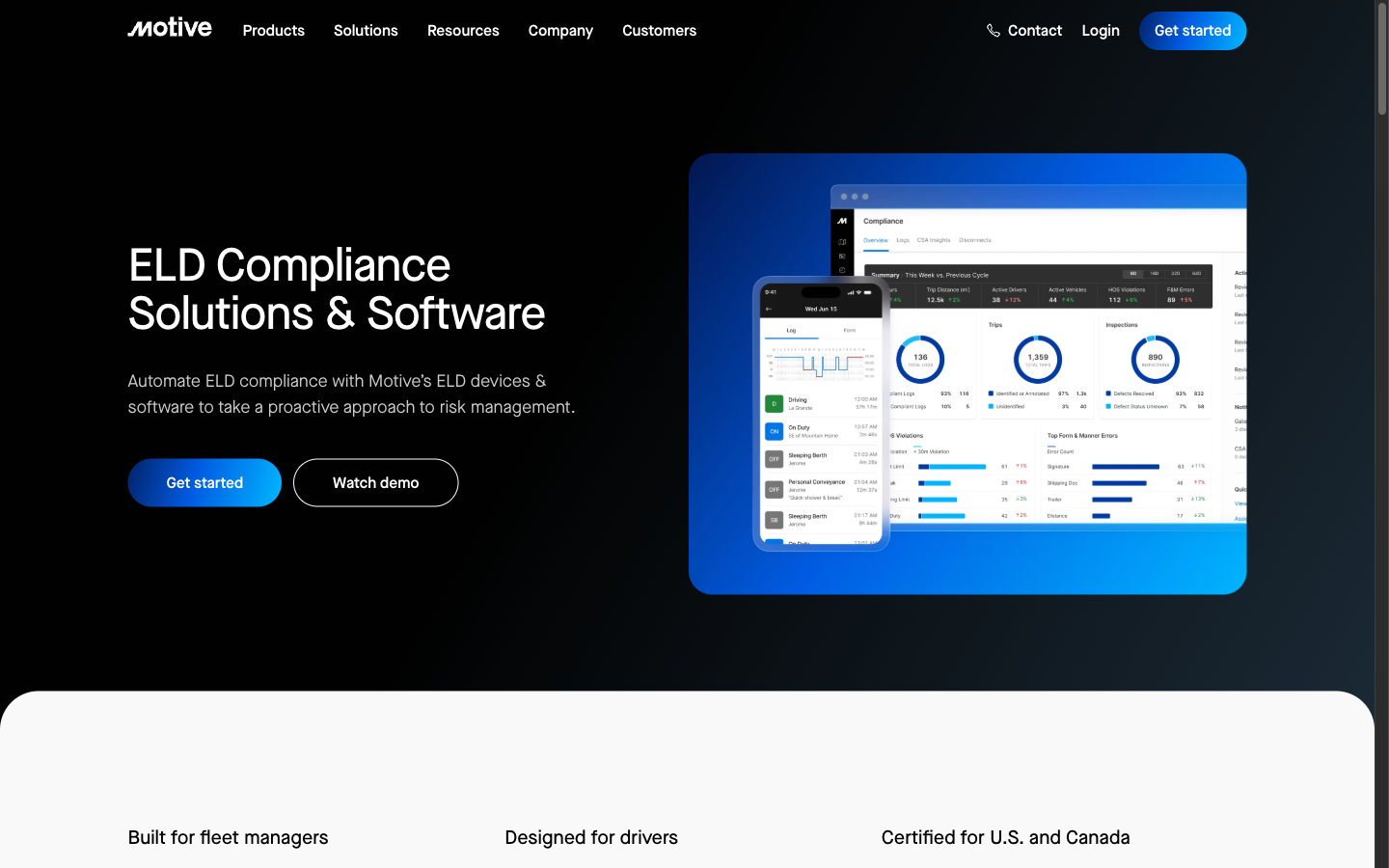
| Motive (KeepTruckin) | Yes | Yes | Yes (via partners) | No |
| Samsara | Yes | Yes | Yes | No |
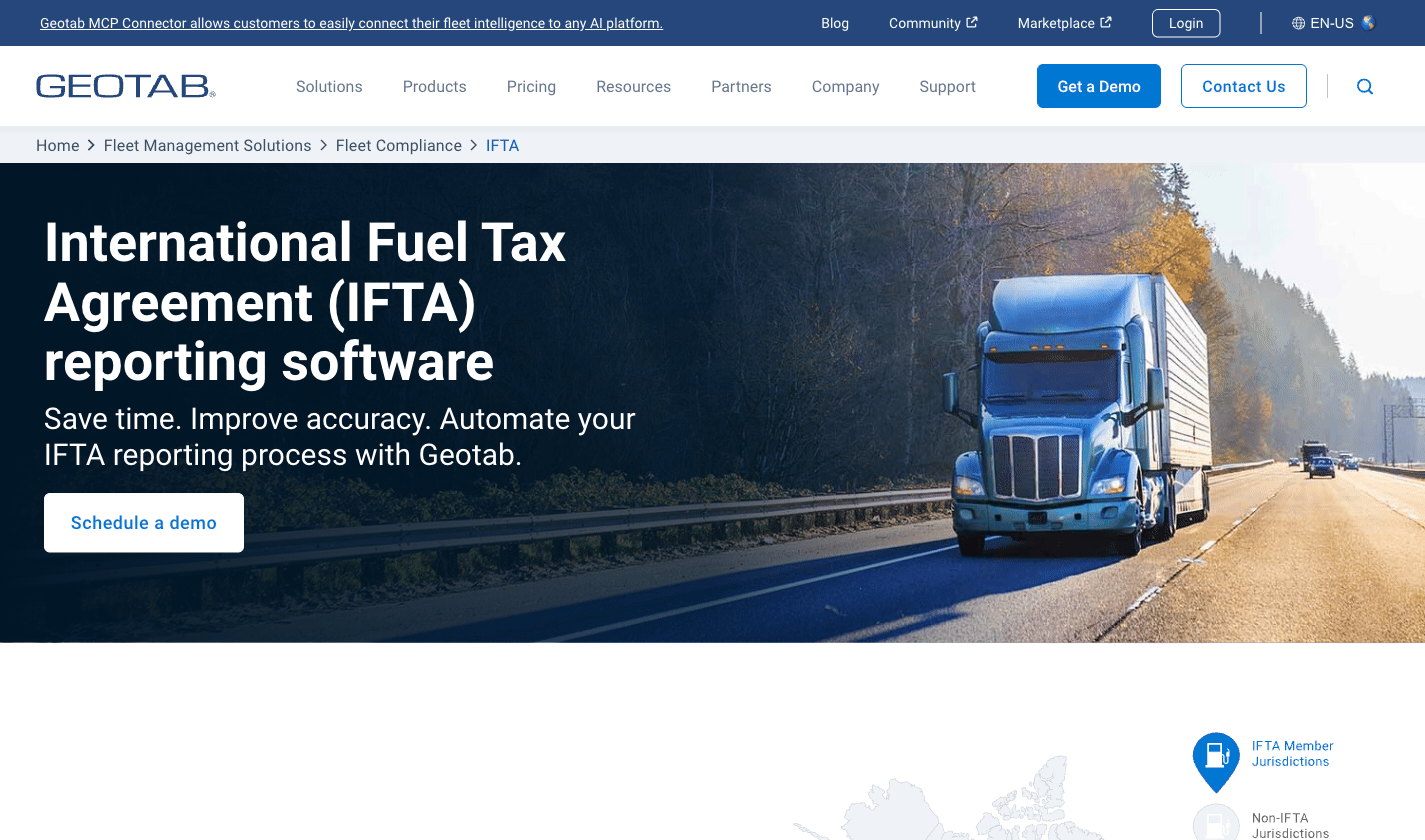
| Geotab | Yes | Yes | Yes (via Marketplace) | No |
| Omnitracs | Yes | Yes | Yes | No |
| Garmin eLog | Yes | No (Manual entry required) | No | No |
(Note: We've aimed to provide an accurate overview of third-party features based on official documentation. You will notice that no provider auto-files the tax return for you.)
What Data Does an ELD Actually Track for IFTA?
When truckers ask does eld file ifta, they usually want to know what data the device actually tracks. According to the FMCSA ELD mandate, ELDs are primarily designed for Hours of Service (HOS) compliance. However, the data they collect is perfectly suited for IFTA reporting requirements, which is why the question "does eld file ifta" comes up so often.
1. GPS Location and Jurisdiction Crossings
An IFTA-compliant ELD pings your truck's location at regular intervals (typically every 60 minutes while in motion, and upon engine power-up/shut-down). This creates a breadcrumb trail that proves exactly when and where your truck crossed from one jurisdiction into another.
2. Odometer Readings
Your ELD is plugged directly into the engine's ECM (Electronic Control Module). It pulls the exact odometer reading when you cross a state line, providing highly accurate total miles and jurisdictional miles.
What Your ELD Cannot Do (The Missing Pieces for IFTA)
Many owner-operators assume that having an ELD means they are completely covered for an IFTA audit. This is a dangerous misconception that leads to the common query: does eld file ifta? To fully understand does eld file ifta, you must recognize the missing pieces.
Fuel Purchase Tracking
IFTA requires you to report tax-paid gallons of fuel purchased in each jurisdiction. While some premium ELDs offer integrations with fuel cards (like WEX or EFS), the ELD device itself cannot read the pump. If you pay with cash or a non-integrated card, you must keep the original receipts and manually enter the gallons, date, jurisdiction, and fuel type.
The Actual Tax Filing
Generating an IFTA summary report is not the same as filing your taxes. Once your ELD calculates your miles per state, you still have to combine that with your fuel purchases, calculate your MPG, determine the tax owed (or credit due) for each state using the current quarter's tax rates, and submit the official return to your base jurisdiction (e.g., via the Texas Comptroller or your respective state portal).
How to Use ELD Data to File IFTA (Step-by-Step)
So, does eld file ifta? Not by itself. But you can use its data. To effectively answer how does eld file ifta data fit into your workflow and file your IFTA taxes using your ELD, follow this workflow at the end of every quarter:
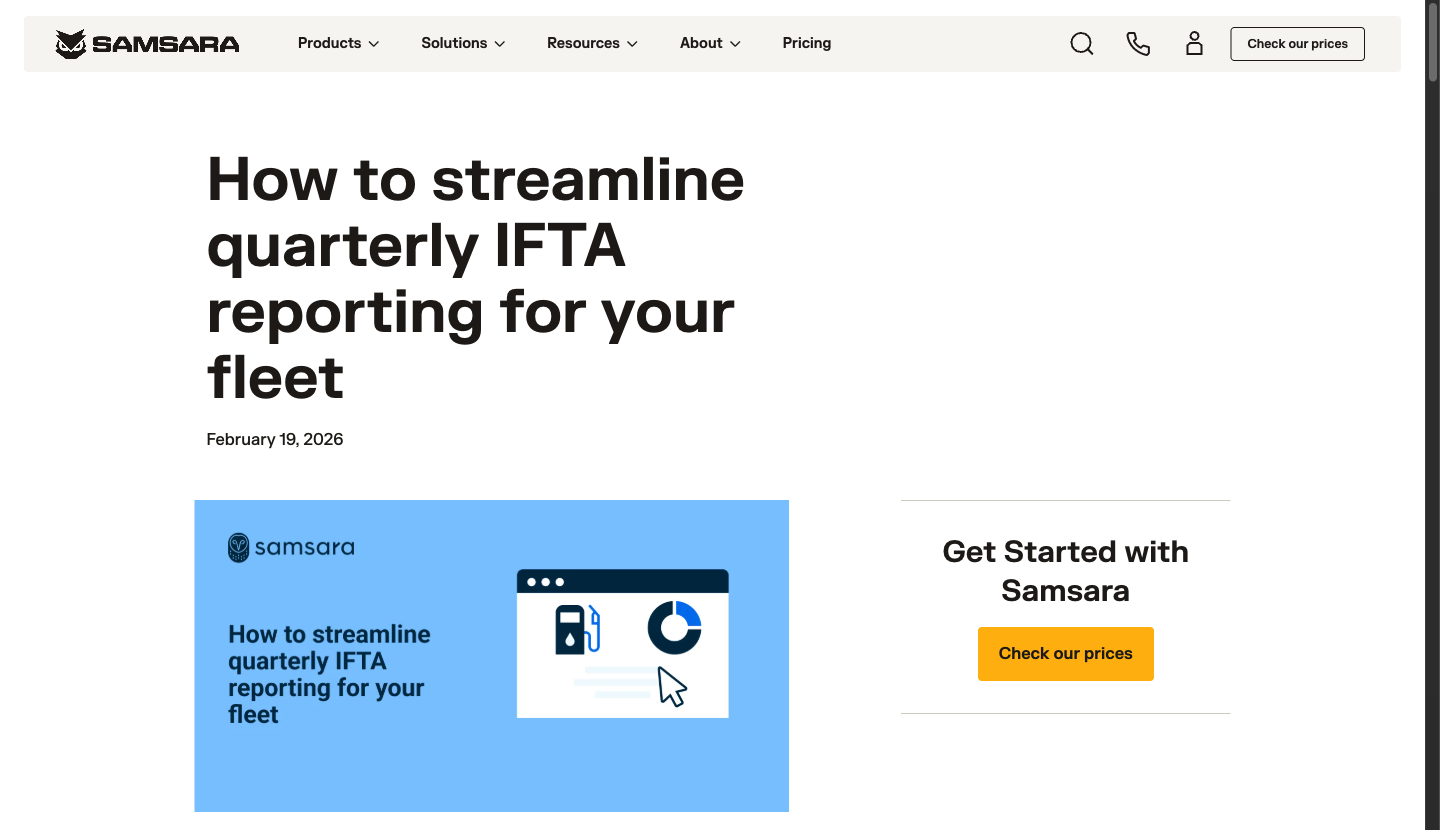
Step 1: Export Distance Data from Your ELD Log into your ELD provider's web dashboard (e.g., Samsara or Geotab) and navigate to the IFTA or Compliance section. Export the quarterly mileage summary by state.
Step 2: Compile Your Fuel Receipts Gather all your fuel receipts or download the transaction report from your fuel card provider. Ensure every receipt includes the date, seller's name and address, number of gallons, fuel type, and purchaser's name.
Step 3: Combine Mileage and Fuel Data You need to calculate your fleet's overall MPG and the fuel consumed in each jurisdiction. This is where dedicated IFTA software becomes crucial, as doing this manually on a spreadsheet is prone to errors.
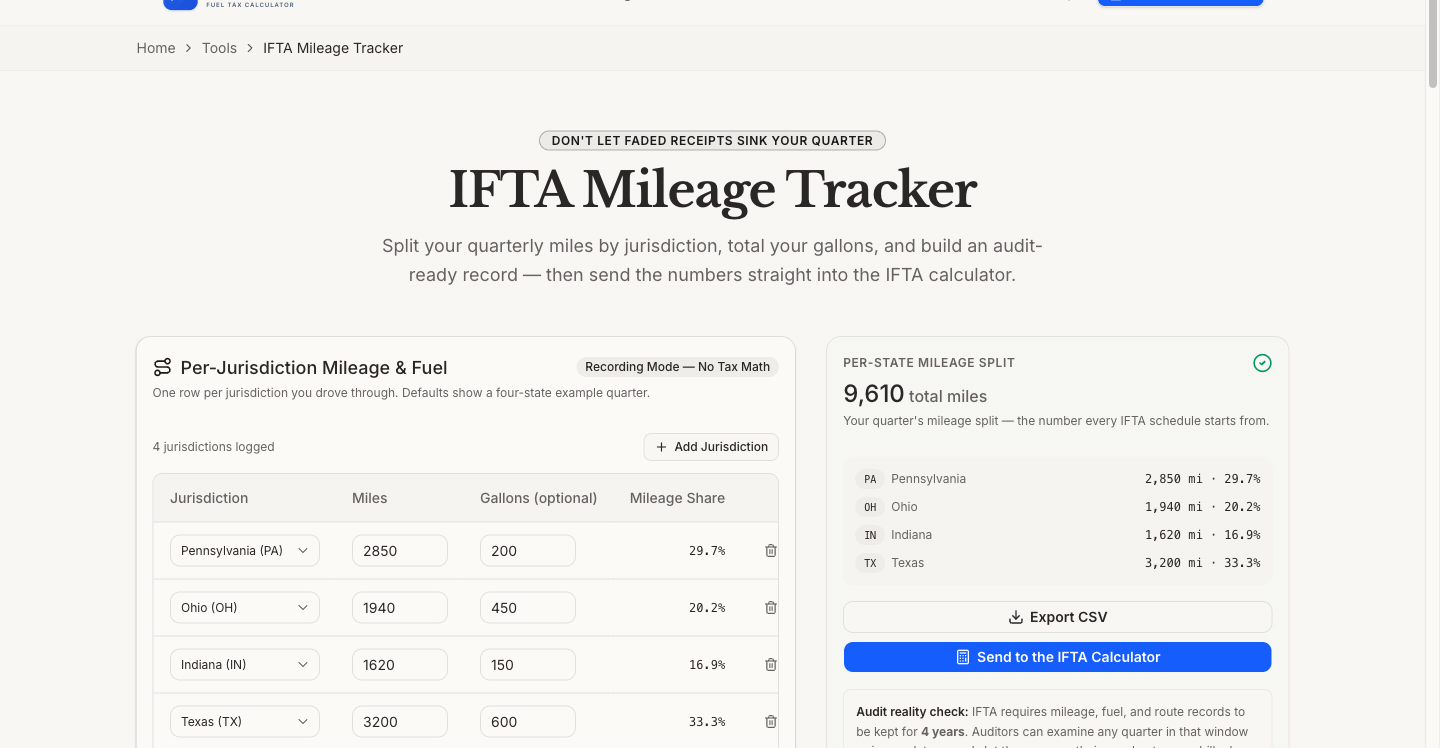
Step 4: Generate and File the Report Use a dedicated IFTA tax calculator to generate your final return. Note: IFTADesk is our product; we've aimed to evaluate all tools objectively. You can use the IFTADesk IFTA Mileage Tracker to seamlessly bridge the gap between your ELD mileage data and your fuel receipts. Once the final numbers are generated, log into your state's Department of Revenue portal and submit the return.
Tips and Warnings for ELD IFTA Compliance
Even though the answer to "does eld file ifta" is no, you still need to use the device correctly for compliance.
- Warning: GPS Dead Zones: If your truck travels through areas with poor cellular service, your ELD might lose its GPS signal. When the signal returns, it may draw a straight line between the two points, artificially cutting out miles or missing a jurisdiction crossing. Always review your ELD routes for accuracy, because when considering does eld file ifta data correctly, bad GPS means bad tax records.
- Tip: Keep Original Records for 4 Years: The International Fuel Tax Association (IFTA) requires you to maintain your original distance and fuel records for four years from the return due date or filing date, whichever is later. Do not rely solely on your ELD provider to store this data; download and backup your quarterly reports.
- Tip: Monitor Personal Conveyance: Ensure your drivers correctly categorize personal conveyance. Under IFTA, all miles (including deadhead and personal conveyance) must be reported as total miles driven.
If you are managing other expenses, you might also want to check out our Per Diem Calculator to maximize your tax deductions.
Real-World Example: Surviving an IFTA Audit with ELD Data
When auditors look at your records, they want to see a continuous, unbroken chain of miles. Let's look at a real-world scenario of an owner-operator based in Ohio who relied on their ELD during a standard compliance audit.
The auditor requested distance records for the third quarter. The driver exported the detailed trip reports from their Samsara ELD dashboard. Because the ELD captured ping locations every 15 to 60 minutes, the auditor could easily verify the route taken from Columbus, Ohio, to Atlanta, Georgia. The GPS breadcrumbs matched the fuel receipts from Pilot Flying J stops in Kentucky and Tennessee.
However, the driver almost failed the audit due to "unaccounted miles." The truck had been taken to a mechanic shop, and the ELD was unplugged during the maintenance. This created a 50-mile gap in the GPS log. Under the IFTA Articles of Agreement (Section P540), licensees must account for all distance traveled. Fortunately, the driver had kept the mechanic's invoice showing the exact odometer readings when the truck was dropped off and picked up, which satisfied the auditor.
This example highlights that while answering the core question—does eld file ifta—is important, understanding how to defend that ELD data is even more critical. You cannot just hand over raw GPS data; you must review it for gaps, unassigned driving time, and sensor errors before the audit notice ever arrives.
5 Common ELD IFTA Tracking Mistakes to Avoid
Even with the most advanced telematic systems, human error can easily corrupt your quarterly tax returns. If you frequently ask "does ELD file IFTA?", knowing how ELD-based filing actually works is the first step to avoiding these frequent pitfalls:
1. Ignoring "Unassigned Driving Time"
When a truck moves without a driver logged into the ELD (a common issue when asking does eld file ifta), the system records it as "unassigned driving time." Fleet managers often forget to assign these miles to the correct driver or categorize them appropriately (e.g., a mechanic test drive or yard move). For IFTA purposes, every single mile must be accounted for—a key reality when considering does eld file ifta. If you leave unassigned miles in your system, your total fleet miles will be inaccurate, throwing off your MPG calculations and potentially triggering an audit penalty.
2. Relying on "Straight-Line" GPS Approximations
As mentioned earlier, cellular dead zones cause the ELD to lose connection. When it reconnects, some low-tier ELDs draw a straight line between the two points. If that straight line crosses a state border that the truck didn't actually cross—or misses one it did—your jurisdictional miles will be wrong. Always audit your ELD's route map against the actual highways driven to truly answer does eld file ifta for your fleet.
3. Mixing IRP and IFTA Mileage Incorrectly
While the International Registration Plan (IRP) and IFTA both rely on distance records, their definitions of reportable miles can sometimes differ depending on specific state exemptions (like toll road miles in Massachusetts or off-highway miles in Oregon). Don't just blindly copy-paste the "total miles" number; ensure your ELD is configured to track the specific exemptions relevant to your base state's IFTA manual. For more detailed breakdowns, see our guide on what is IFTA and how it compares to IRP.
4. Forgetting to Sync Fuel Card Data
If your ELD provider (like Motive or Geotab) supports fuel card API integrations, make sure the connection is actually working. Many operators set it up once and never check it again. If the API token expires, your fuel purchases will stop syncing, leaving you with weeks of missing fuel data when quarter-end approaches. Check the integration status at least once a month.
5. Assuming All Miles Are "Taxable"
Your ELD tracks total miles, but not all miles are taxable under IFTA. For example, if you operate under a special trip permit for a specific state, the miles driven in that state might be exempt from your regular IFTA return. Your ELD doesn't know you bought a permit; you must manually deduct those non-IFTA miles from the ELD's total before filing. For a comprehensive look at the filing process, check out our tutorial on how to file IFTA.
Frequently Asked Questions
Does ELD file IFTA taxes automatically? When someone asks does eld file ifta, the answer is no. An ELD only tracks the distance your truck travels and the states you drive through. It does not calculate your final tax liability, nor does it pay or file the return with the government.
Does an ELD track fuel purchases? On its own, an ELD does not track fuel purchases. However, many modern ELD fleet management systems offer integrations with major fuel card providers to automatically import your fuel purchase data into their web dashboard.
Can I use my ELD for an IFTA audit? Yes, but it is not the only thing you need. Auditors will accept ELD GPS and mileage logs as valid distance records, provided the system is compliant. However, you must also present valid fuel receipts; ELD data alone is not sufficient to pass an IFTA audit.
How do you calculate IFTA from ELD? You extract the "miles driven per jurisdiction" from your ELD dashboard. You then take your total fuel gallons purchased from your receipts. Divide total miles by total gallons to get your average MPG. Then, divide the miles driven in each state by the MPG to find the gallons consumed in that state. Finally, subtract the gallons purchased in that state from the gallons consumed to determine taxable gallons.